Looping
For Loop
Imagine we want to draw the same thing 10 times.
Instead of having to write it 10 times, we can use the computer to repeat the same thing 10 times.
We can use the For command to make a repeating loop.
For J=1 To 5
  Print "Hello "+J
Next
Print "Yeay"
Here, we loop 5 times, from 1 to 5.
We're telling the computer that the variable J should start at 1, (This is the J=1 part) and that it should count up To 5.
The opposite side of the loop is the word Next, which tells the computer "OK, now go back to the For line, and do the Next bit of the loop."
Once the For Loop has reached the end of its loop, the program will continue on to the line after the Next command.
Using Loops
Since we have a Variable connected to the loop, we can use the numbers to perform different tasks.
Let's try linking the Variable to colours! We know the values of colours can go from 0 (off) to 255 (Full bright), so let's use that to draw some dots that get brighter.
For J=0 To 255
  SetCol J,0,0  // Red
  Plot J,J

  SetCol 0,J,0  // Green
  Plot J+100,J

  SetCol 0,0,J  // Blue
  Plot J+200,J
Next
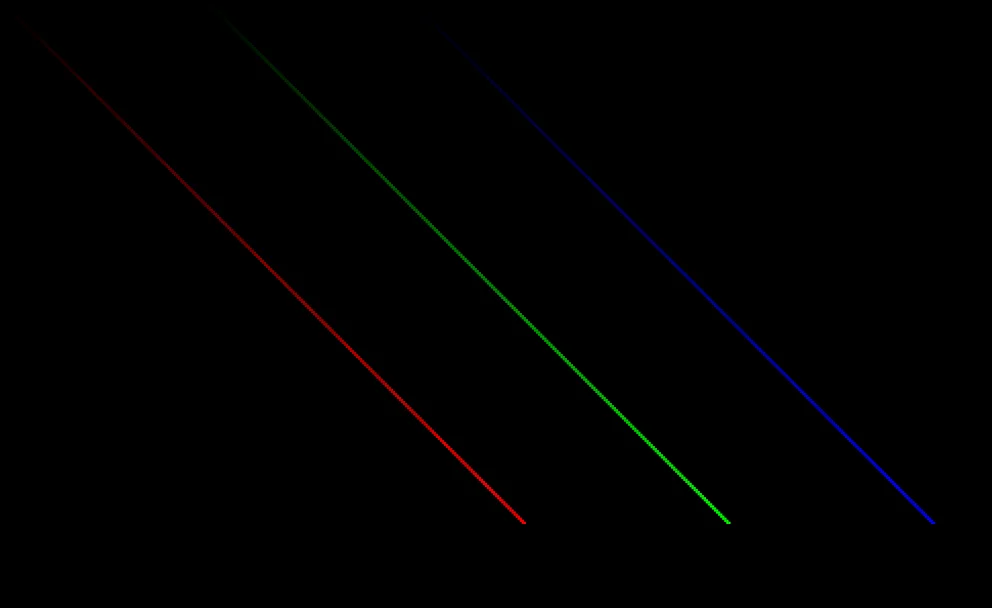
Each colour gets brighter each time J loops, while each plot's position is also set by J.
J controls the brightness of the dots, as well as both the X position (across) and Y position (down), making diagonal lines!
Two Steps Forward
Our For Loop can be really useful for counting, but sometimes we might not want to count one by one.
When we want to take larger steps between each number, that's when we use the Step parameter.
For J=2 to 8 Step 2
  Write J+", "
Next
Write "who do we appreciate?"

Adding a Step into our For loop.
Can you edit the program to add the cheerleaders onto the screen?
For J=1 To 10 Step 2
  Write J+", "
Next
Write "it didn't reach 10?"

It only goes up to 9?
In this program, the counting stops before it reaches 10.
This is because, if the loop continued one more step, the value of J would be 11.
Ten Steps Back
We can also use minus numbers in our Step value, so that the For loop counts backwards!
For J=255 To 5 Step -10
  SetCol J,J,J
  Print "Darker "+J
Next
This time, 10 is taken away from J each time the loop restarts. The loop repeats with J counting down until it reaches 5.
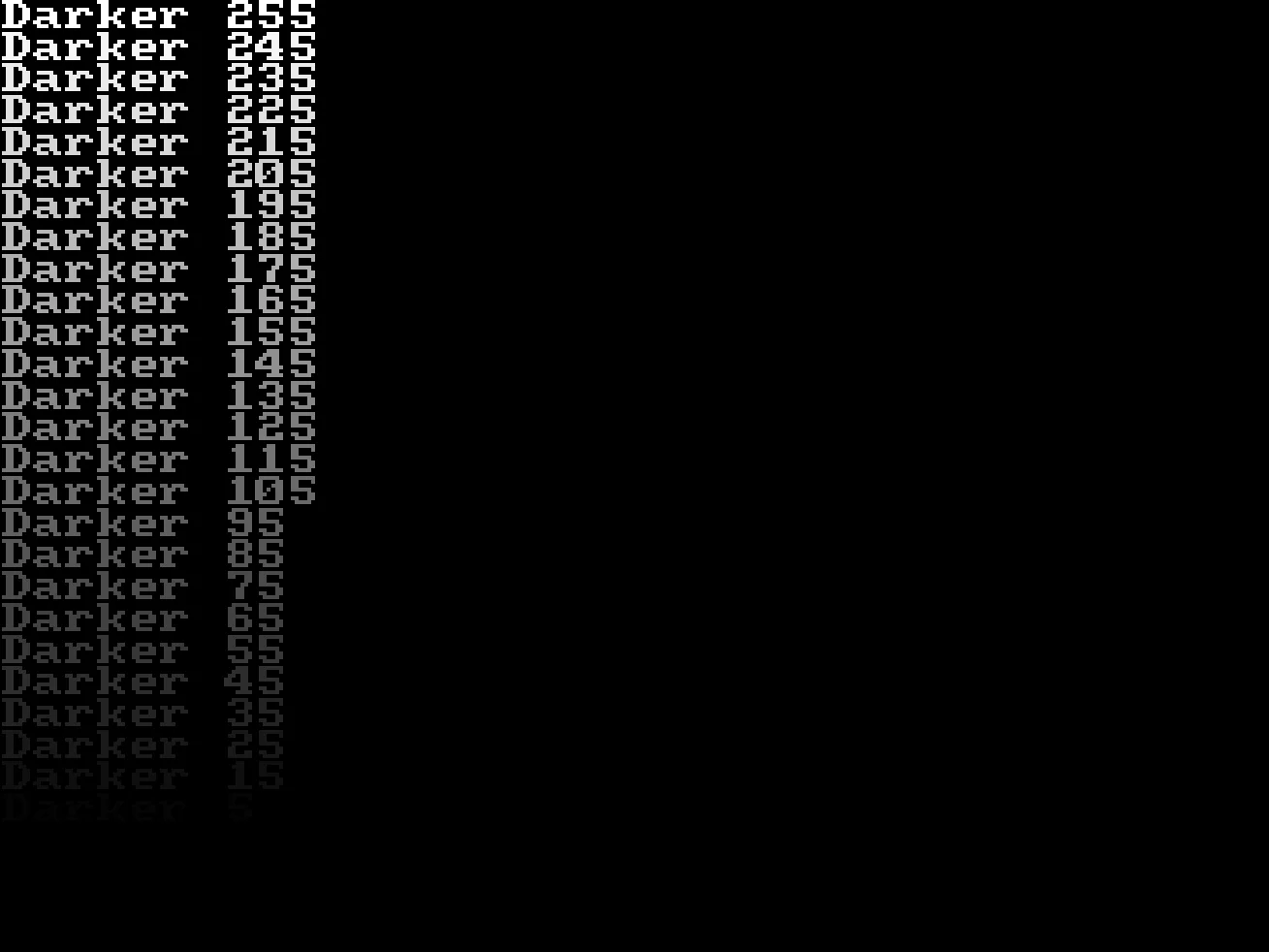
J gets lower every time we repeat the loop.
Wow!
Repeat Forever
What if we don't want to loop a certain number of times?
What if we want to loop forever, instead?
For that we can use a Repeat - Forever loop.
Repeat
  Write "Hello "
Forever
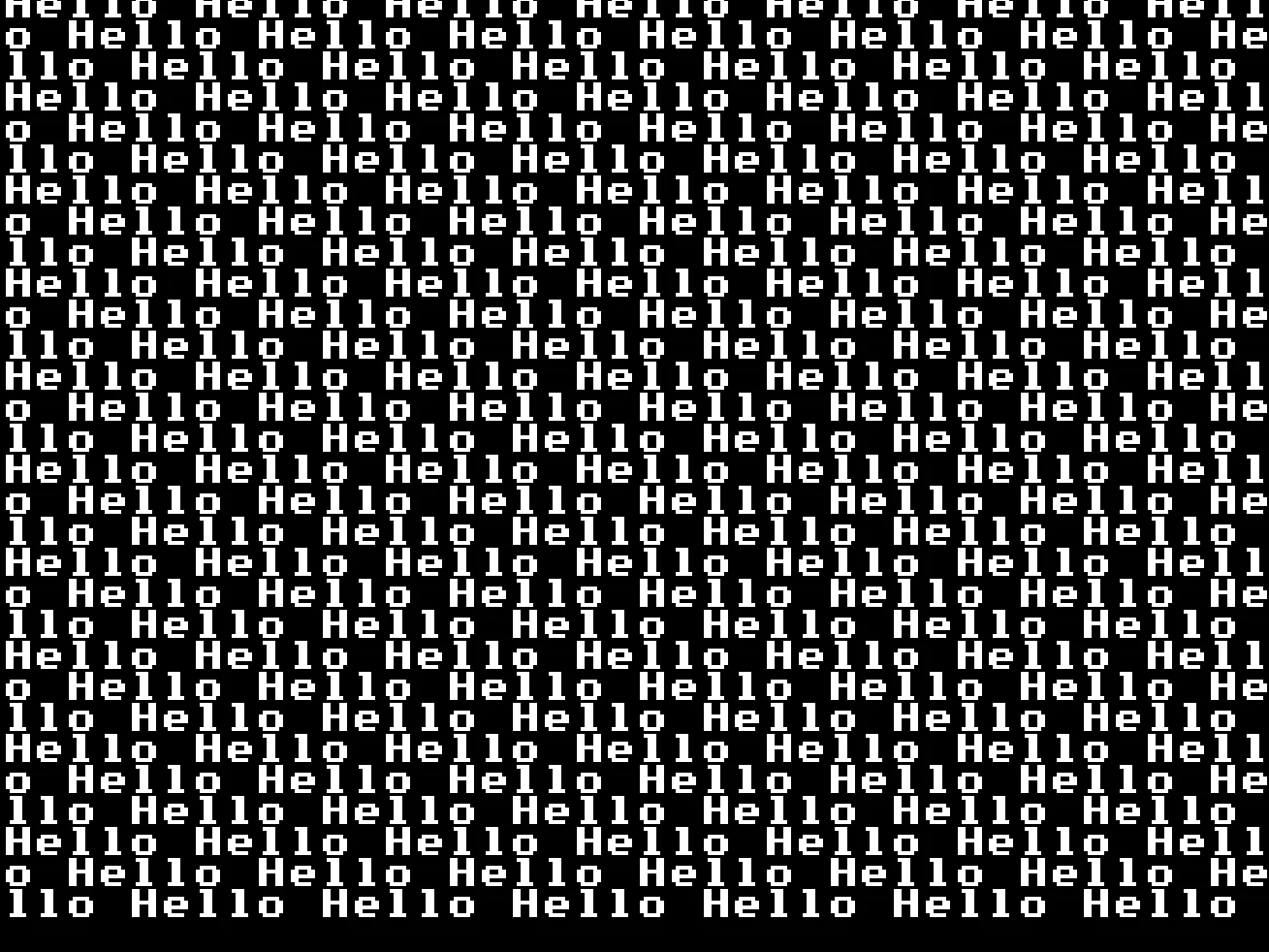
It looks OK when it's frozen in time!
The endless loop writes the word "Hello" (and a space) over and over and over, looping around the screen, and scrolling the screen as it goes.
Psst.. Don't forget to use the Red Stop button to close the program!
It's flying past my eyes!
I can't read it!
Using Flip
We can slow down the speed of our "Hello" message by using the Flip command.
Whenever we use the Flip command, GotoJSE will pause for a fraction of a second.
It's like telling the computer to take a short breath between loops, so that we get to see how things are going.
Repeat
  Write "Hello "
  Flip
Forever
By placing the Flip at the end of our loop, it acts like a Frame of a cartoon, or the pages of a Flipbook, and we can clearly see what's happening.
Can you change this program so there are spaces between the words
For J=1 To 20
  Write "Word"
Next
Make this program slower so we can see the line of dots being drawn slowly across the screen.
For J=640 To 0 Step -1
  Plot J,32
Next
Print "Bang!"
Slow down the trail of dots, before they cause a bang!